How to useDualSense controlleron PC
Using a DualSense controller on PC is easier than ever. You can connect DualSense to PC via USB or Bluetooth, and most modern games will recognize it without any additional setup.
But native support is only the beginning. And if you are looking for reliable PS5 controller PC software, here is what reWASD offers.
Want to remap buttons, customize Adaptive Triggers, turn the Touchpad into extra controls,or use Gyro aiming in games that don't support it? With the right software, your DualSense becomes more than a standard controller, giving you full control over its unique features and the way it behaves in every game.
How to remap DualSense buttons on PC
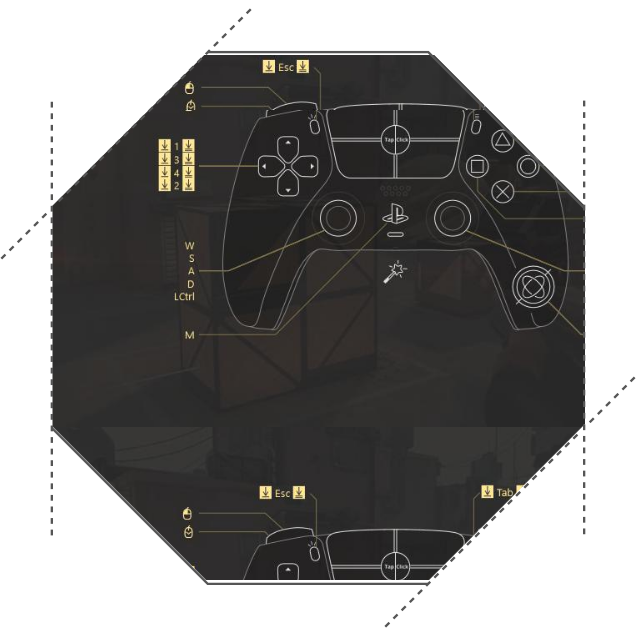
Not every game has the perfect controller layout. Maybe sprint is on the wrong button, aiming feels too sensitive, or you want different controls for different genres. Instead of adapting to every game, you can adapt the controller to the way you play with DualSense button mapping software.
PS5 controller remap on PC goes far beyond swapping two buttons. You can create game-specific profiles, adjust stick sensitivity, fine-tune deadzones, customize response curves for smoother aiming, or assign keyboard and mouse actions directly to the controller. Whether you're playing an FPS, a racing game, or an RPG, every profile can be optimized for that specific experience.
How to get more buttons on my DualSense
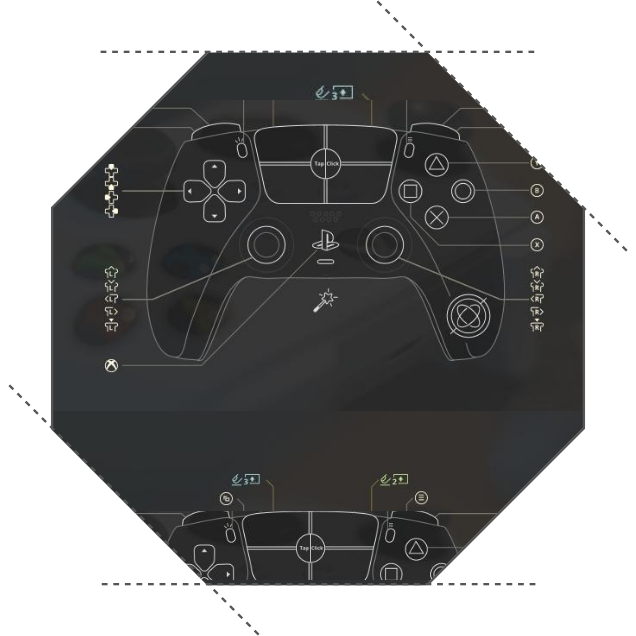
Some games simply ask for more inputs than a controller comfortably provides. MMORPGs, RPGs, simulators, strategy games, and even fighting games often require dozens of actions, forcing players to rely on complicated combinations or the keyboard.
Instead of being limited by the physical number of buttons, you can create entirely new control layers to add more remaps to your DualSense with up to 10 Shift Layers. Hold one button to access a second layout with Shift Mode, trigger different actions depending on how long a button is pressed with Activators, split sticks and triggers into multiple Zones, launch complex sequences with Combos making simple button combinations or setting up a huge sequences in DualSense combo editor. Assign button combinations through Shortcuts, or place dozens of commands inside a customizable Radial Menu.
The result is a controller that can perform far more actions than its physical layout suggests, making it possible to build game-specific setups using your DualSense macro controller to the fullest.
How to Customize Adaptive Triggers on PC
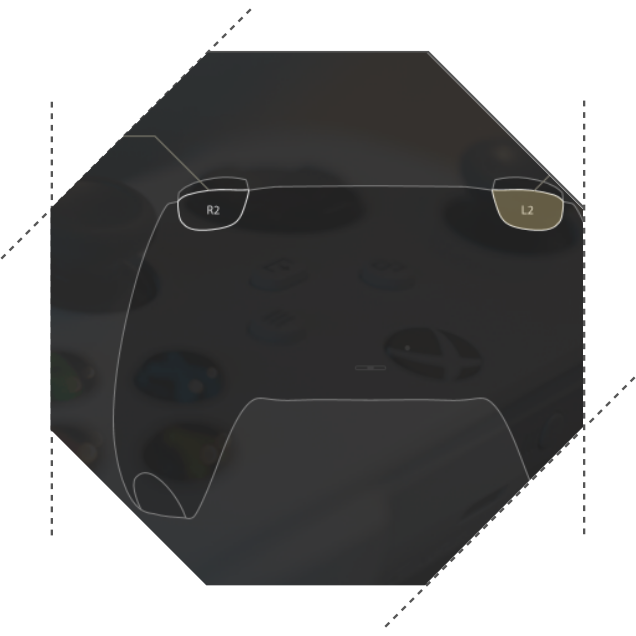
DualSense adaptive triggers are one of the features that make this controller unique, but on PC they are rarely used to their full potential. Instead of relying on game support, you can choose how the triggers feel.
reWASD includes 12 built-in Adaptive Trigger presets that change the resistance and behavior of PS5 Adaptive triggers on PC. Add smooth tension for racing games, simulate gear shifting with Medium Rigidity, create a Rifle effect for more tactile shooting, or experiment with Pulse presets for DualSense haptic feedback triggers during gameplay.
Different trigger profiles can be assigned to different games, allowing the controller to feel completely different depending on what you're playing.
How to use DualSense Touchpad on PC
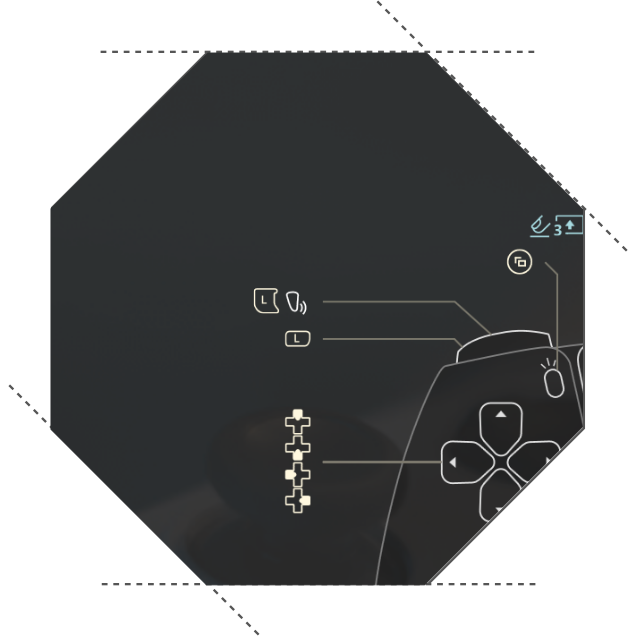
In many PC games, the DualSense touchpad acts as nothing more than a large button - or isn't used at all. It doesn't have to stay that way.
The Touchpad can become an entirely new control surface with a separate tap zone and custom commands. Use DualSense touchpad as mouse, or even use one side to open your inventory, another to switch weapons with DualSense touchpad zones or create shortcuts.
Instead of wasting one of the controller's most distinctive features, you can turn it into a powerful extension of your gameplay, remapping DualSense touchpad with reWASD.
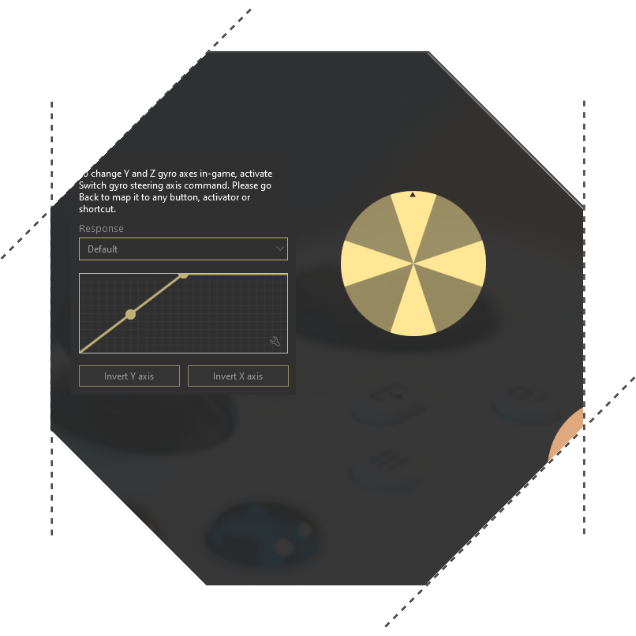
How to use DualSense gyro on PC
DualSense Gyroscope controls can add precision to aiming, driving, and other in-game actions. reWASD allows you to map DualSense gyro movements to mouse, stick, keyboard, or custom actions.
Whether you're looking DualSense Gyro aiming in shooters or steering controls in racing games, gyro can become a powerful addition to your setup. reWASD allows you to use your DualSense Gyro as a mouse is widely used for simple desktop navigation.
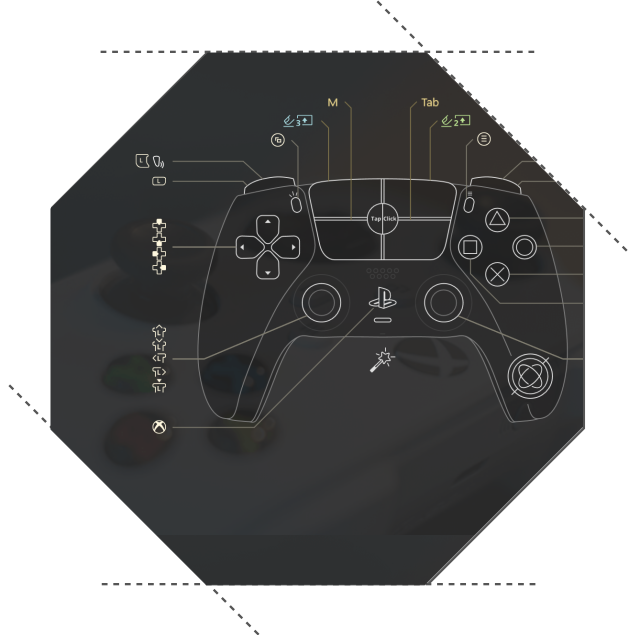
Why use reWASD with DualSense
DualSense already offers one of the richest feature sets of any modern controller. Custom layouts, Adaptive Triggers, Touchpad gestures, Gyro aiming, macros, additional control layers, and personalized profiles allow you to build a setup that matches the way you play instead of adapting to default controls.
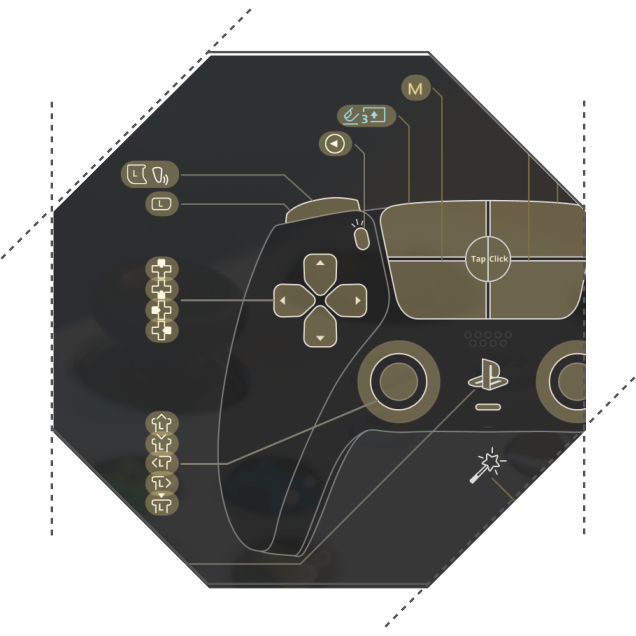
How to use DualSense in games designed for Xbox controllers
Most modern PC games support PlayStation controllers out of the box, but some titles still display Xbox button prompts or work better with XInput devices. In certain cases, controller support may be limited or inconsistent when using a DualSense.
If a game expects an Xbox controller, you don't necessarily need to switch hardware. Turn your DualSense into Xbox controller by emulating it in reWASD. Your DualSense will be recognized as a native XInput device while preserving all your custom layouts, trigger settings, mappings and combos.
You may also like

How to remap gyro and set up gyro aiming
April 13, 2020
How to Use Gyro Controls on PC
May 13, 2026