Rapid Fire - Turn One Press into Repeated Actions
Repeat taps, launch fast sequences, and automate rhythmic inputs with one mapping. Rapid Fire is one of reWASD's Advanced mapping features that repeatedly sends a button, key, mouse click, or even an entire combo while you hold - or toggle - a single control.
Whether you want to automate repeated taps, cycle a combo continuously, or trigger a carefully timed sequence, Rapid Fire gives you precise control over speed, timing, and behavior.
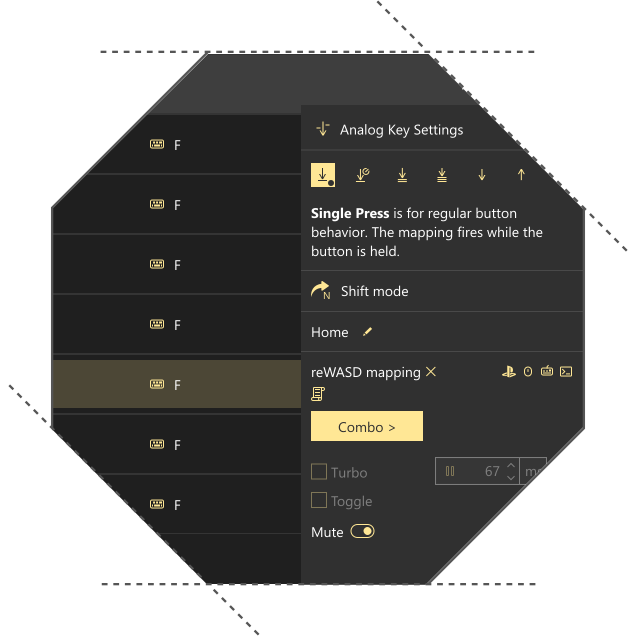
What is Rapid Fire?
Rapid Fire repeatedly activates an assigned action at a speed you define. Instead of pressing the same button over and over, reWASD keeps sending the input according to your timing settings.
You decide:
- how quickly the action repeats.
- whether it runs while holding or toggles on/off.
- whether Rapid Fire repeats a single input or an entire combo.
It's a flexible automation tool for inputs that normally require fast, consistent repetition.
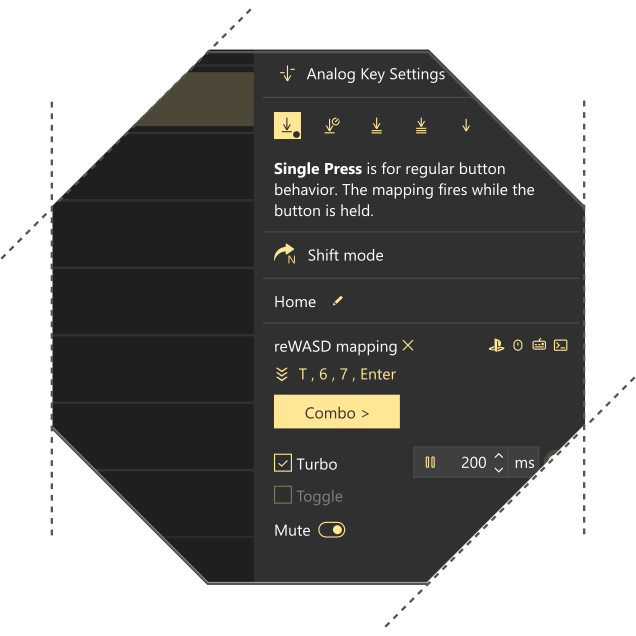
Automate repeated taps for semi-automatic actions with Turbo
Some actions work best when they receive repeated taps instead of a continuous hold. Rapid Fire can simulate those repeated presses with a single hold, while still letting you fine-tune the interval between every tap.
This helps reduce repetitive clicking while keeping the timing consistent and customizable for different input styles.
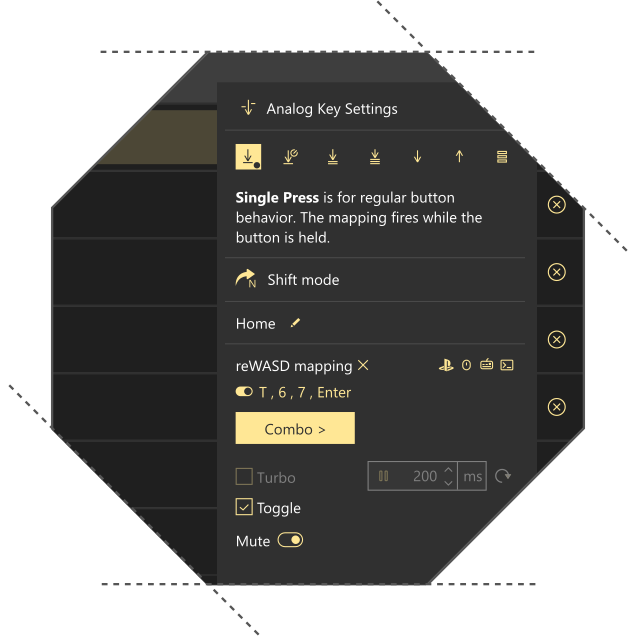
Keep a combo cycling with Toggle mode
Rapid Fire isn't limited to single buttons. It can continuously repeat an entire combo.
Enable Toggle mode, press once to start the sequence, and press again to stop it. This is especially useful for repeated input patterns that should keep running until you decide to interrupt them.
Perfect for practicing combos, looping attack strings, or repeating any predefined sequence.
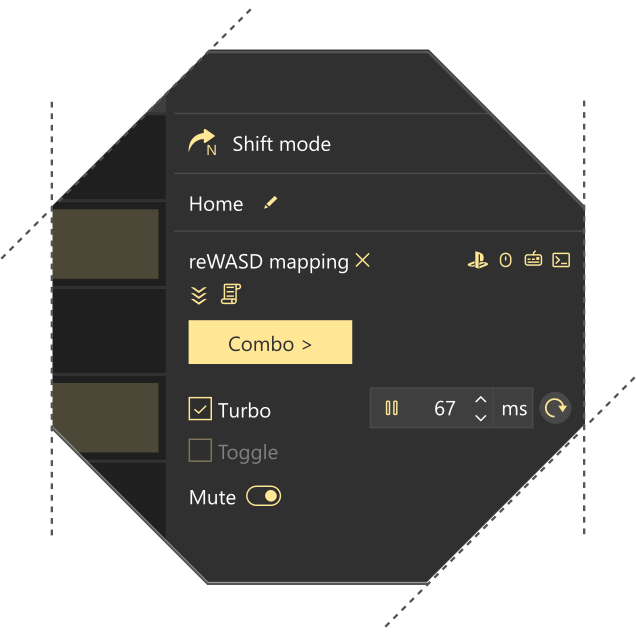
Trigger a rapid sequence from a single key with Turbo
Need multiple inputs executed with precise timing?
Rapid Fire can repeatedly launch a sequence of different keys or buttons from a single mapping. Instead of manually entering the pattern every time, reWASD performs it using the delays you've configured.
It's a convenient way to automate fast multi-key sequences or repeat the same action pattern with consistent timing.
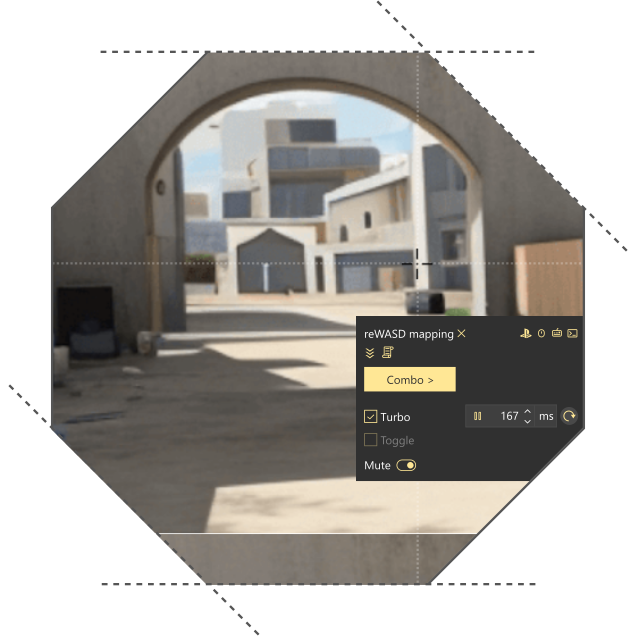
Create subtle controller stick movement patterns
Rapid Fire can also be combined with controller stick mappings to create small, controlled movement patterns.
For example, it can generate a light jitter-style stick movement that may be useful for experimenting with controller response, testing mappings, or creating subtle input variation. Every movement, delay, and repeat interval remains fully configurable.
This is simply repeated controller input created through your own mapping settings.
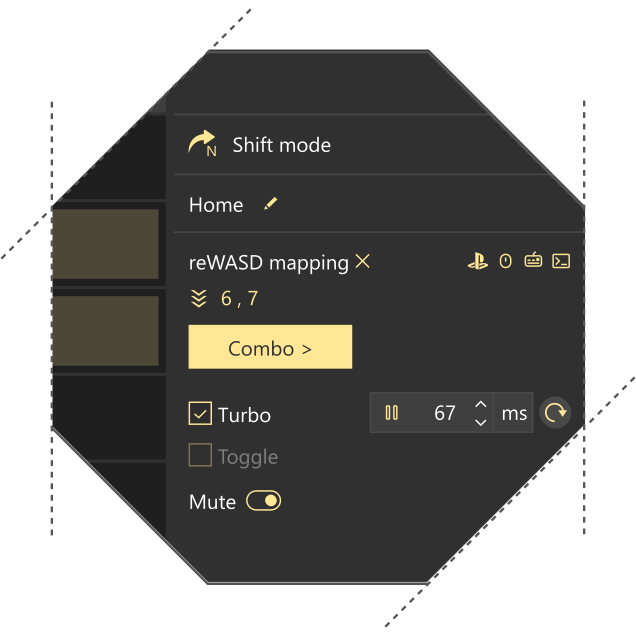
Fine-tune every repeat
Rapid Fire gives you control over how repeated inputs behave.
- Custom timing - Set the press duration and delay between repeats.
- Hold or Toggle - Repeat while holding, or start and stop with a single press.
- Adjustable speed - Make repetitions as fast or as slow as you need.
- Repeat combos, not just buttons - Loop complete sequences with the same timing controls.
These settings let you adapt Rapid Fire to different devices, input methods, and play styles without rebuilding the mapping each time.
Rapid Fire is part of reWASD Advanced
Rapid Fire works across controllers, keyboards, mice, and virtual devices inside reWASD. Combine it with Combos, Activators, Shift Mode, and other Advanced features to build mappings that match exactly how you want your inputs to behave.
Create simple turbo buttons, repeat complex sequences, or automate rhythmic inputs — all from a single configurable mapping.