Advanced Mapping — Take Control of Your Controller
Fine-tune stick response, customize trigger zones, remap native inputs, and build controller mappings that work the way you want.
Advanced Mapping gives you more control over how your physical controller behaves in reWASD. Adjust stick sensitivity and response curves, configure trigger zones, mute native inputs, and create controller button combos to match your preferences. Whether you want more precise stick control, a different way to handle mouse input, or a custom controller layout, Advanced Mapping gives you the tools to fine-tune your setup.
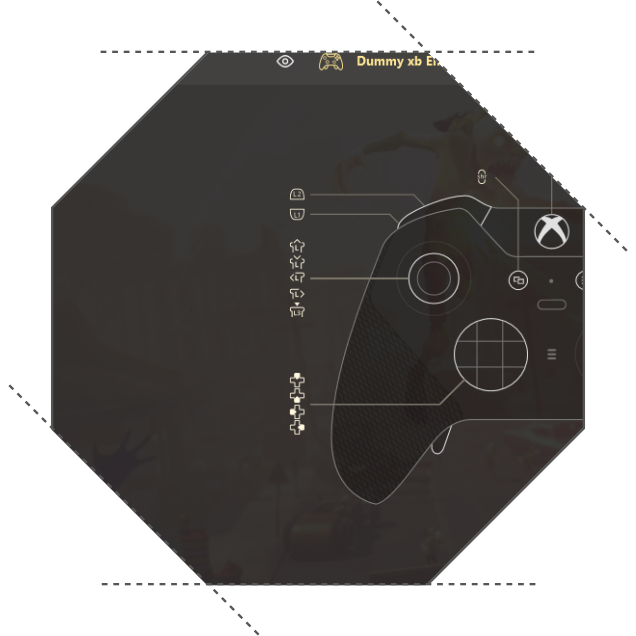
What is Advanced Mapping?
Advanced Mapping unlocks additional controller configuration options in reWASD. It lets you go beyond basic remapping and adjust how your hardware inputs behave.
With Advanced Mapping, you can:
- Customize stick response with advanced stick settings and response curves.
- Adjust trigger zones to change how your controller's triggers respond.
- Mute native inputs to prevent physical controller inputs from interfering with your custom mappings.
- Create controller button combos that trigger sequences of inputs.
- Use your physical mouse as a right stick for controller-based input.
- Adjust controller vibration to customize feedback.
Enhanced Mouse Mute also helps reWASD handle mouse input more smoothly and reduce latency when working with remapped mouse actions.
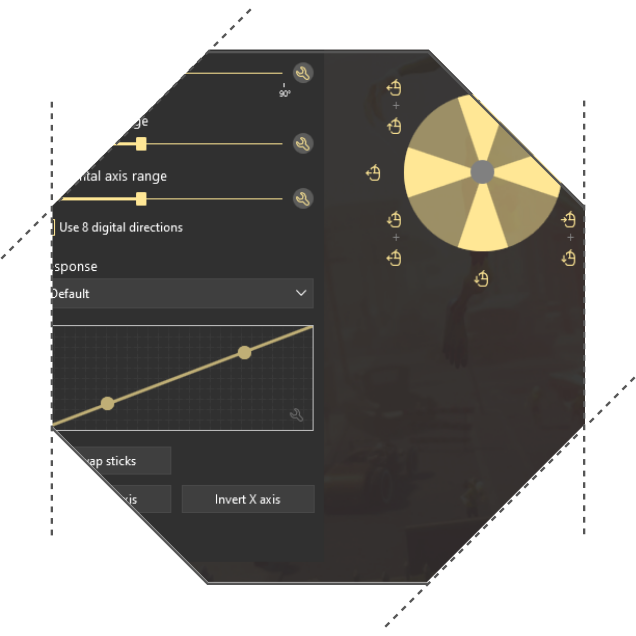
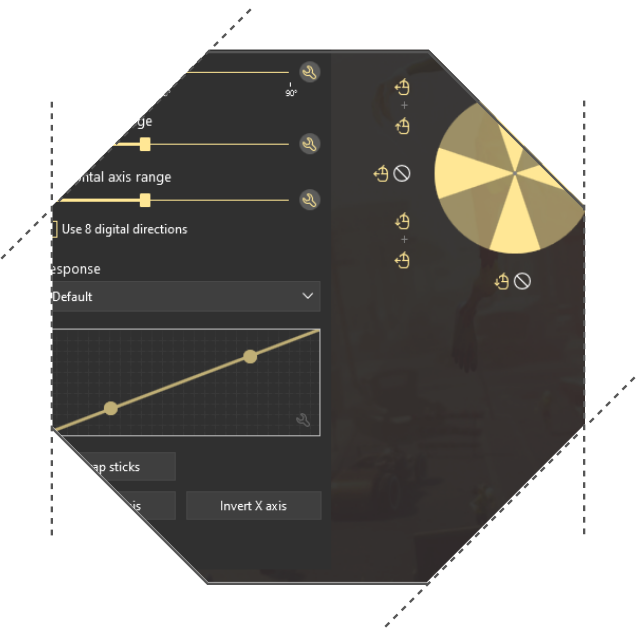
Fine-tune stick response
Get more control over how your analog sticks respond to movement.
Advanced stick settings let you adjust stick behavior to better match your preferences, whether you want a different response curve or more control over how small and large movements translate into input.
Customize the response to find a setup that feels right for your controller and play style.
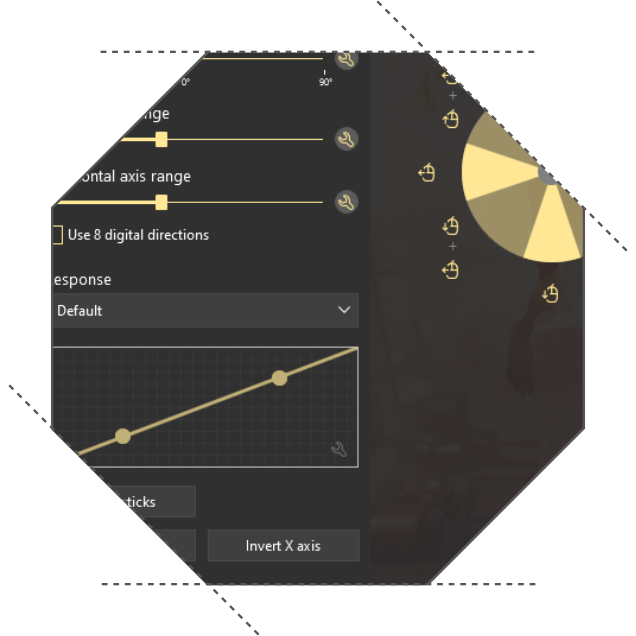
Customize trigger zones
Adjust how your controller's triggers respond when pressed.
With configurable trigger zones, you can change the behavior of your triggers to better suit your needs. Fine-tune the input range and decide how your physical trigger movement translates into the output.
It's another way to make your controller feel more comfortable and responsive.
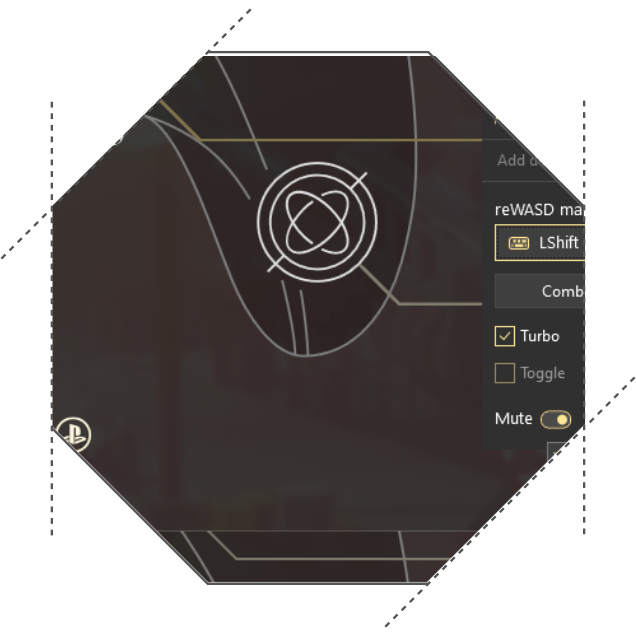
Prevent conflicting inputs with Mute
When you remap a physical controller input, its original behavior may interfere with your custom setup.
Advanced Mapping lets you mute native controller inputs so that only the mapped output is sent where needed. This is particularly useful when building custom control schemes or using your physical controller alongside virtual inputs.
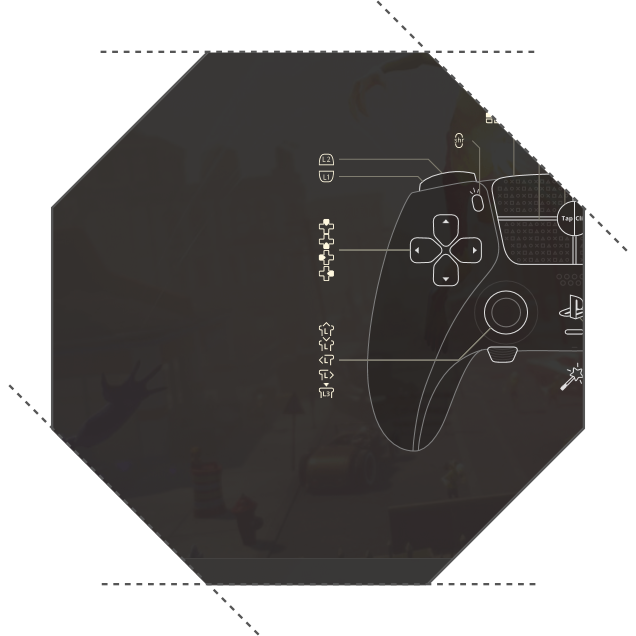
Create controller button combos
Turn a single controller button into a sequence of inputs.
Advanced Mapping lets you create controller button combos that send multiple keys or buttons in a defined order. Configure the sequence to simplify complex input patterns and make them easier to trigger.
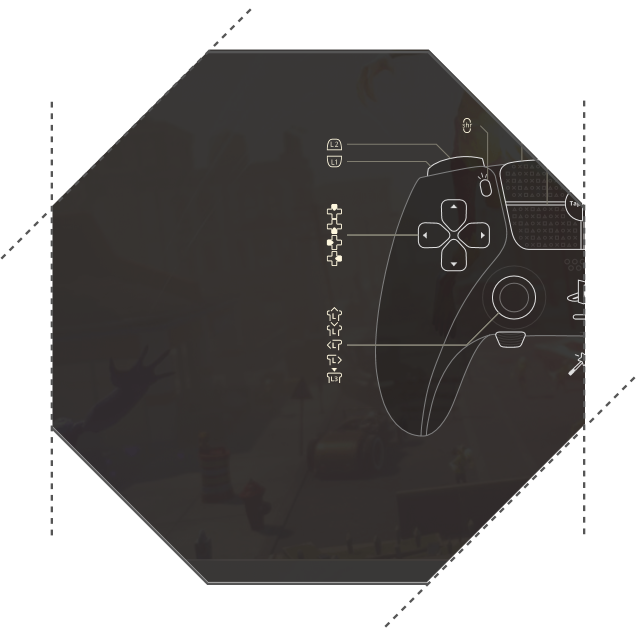
Use your mouse as a controller stick
Prefer mouse movement but need to work with a virtual controller's right stick?
Advanced Mapping lets you assign physical mouse movement to a virtual stick, combining mouse input with controller-based controls. Fine-tune the mapping to suit your preferred setup.
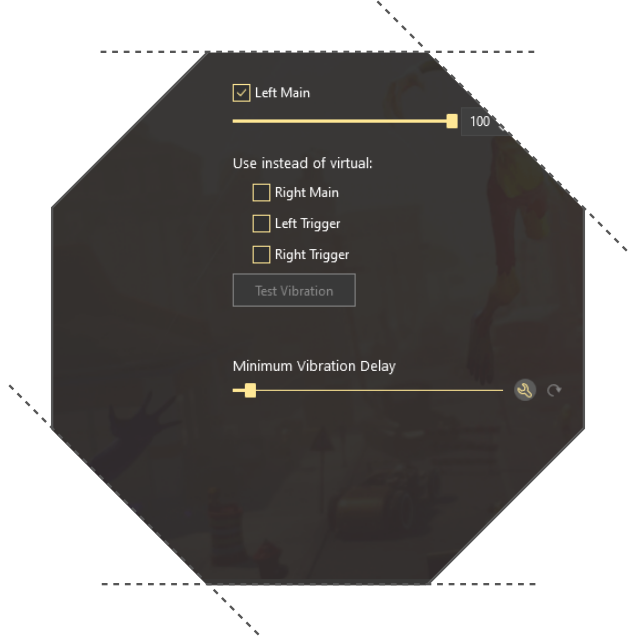
Customize controller vibration
Make controller feedback work for you.
Adjust vibration settings to customize how your controller responds through haptic feedback. Configure the available settings to better match your preferences and the way you use your device.
Advanced Mapping in reWASD
Advanced Mapping is designed for users who want more control over their physical controller and its interaction with reWASD.
Explore the possibilities and fine-tune your controller beyond basic remapping.