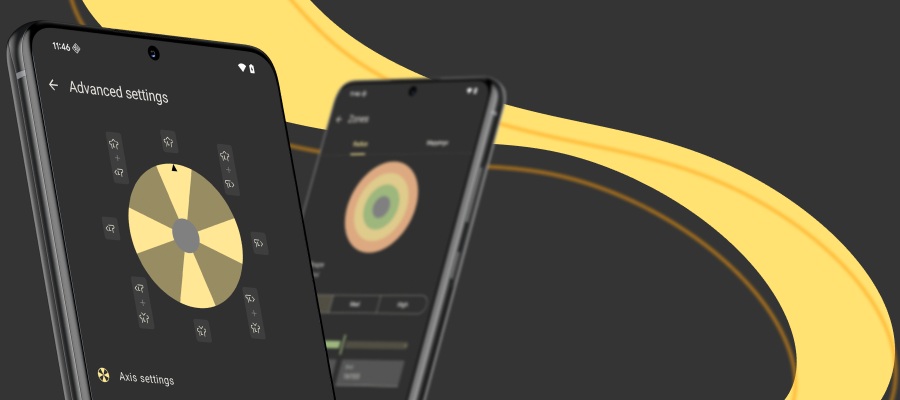
Introducing reWASD Basic
Discover a practical approach to input remapping with reWASD Basic. The new reWASD based tool provides access to the core remapping functionality and supports the wide range of devices, including 80+ controller models, as well keyboards and mice.
This article explains what reWASD Basic offers, how it works with configs and the Community, and how access, trials, and upgrades are managed. So welcome…
What You Can Do with reWASD Basic
reWASD Basic allows users to remap inputs and create a virtual controller, enabling games to work with controllers that are not natively supported. This makes it suitable for common remapping scenarios where consistent input behavior is required across different games and devices. First of all it is designed to cover common workflows used for everyday gameplay and setups.
Core Functionality
reWASD Basic covers core remapping scenarios for keyboards, mice, and controllers. It works with more than 80 controller models, as well as virtually any standard keyboard and mouse, allowing input behavior to be adapted to specific game requirements. For example, a controller can be remapped to keyboard input to play games like VALORANT, which do not support native gamepad input, or to use alternative devices such as Azeron. Remapping can be applied both natively and through reWASD mappings, helping keep input behavior consistent across different titles.
For games that expect a specific controller type or do not recognize the original device, virtual gamepads can be created. reWASD Basic supports virtual DualShock 3, DualShock 4, Xbox 360, Xbox One, and Nintendo Switch Pro controllers, enabling broader compatibility at the game level. But note, that it’s unavailable to map mouse movements to controller stick. To streamline setup, Magic Wand and built-in presets can be used to quickly convert one device layout into another, including common gamepad-to-keyboard layouts. Mute can be applied to prevent double input in cases where native and remapped inputs would otherwise overlap.
Layouts can be extended and organized using activators, shortcuts, and Shift layers. Activators make it possible to assign different actions to single, double, triple, or long presses, as well as press-and-release behavior. Up to three Shift layers can be used to reuse controls across different contexts within a single configuration. Input capture is handled through button hooking to speed up remapping, and Emergency Remap OFF is available to instantly disable all active mappings when required.
Account and Access
reWASD Basic uses the same user account registered on rewasd.com. To start using the product, users need to sign in to the application.
A 7-day trial is available and can be activated after authorization in the app. Access to reWASD Basic is offered in plans for 1, 2, or 3 PCs. If needed, access can be upgraded to cover a larger number of devices.
If the functionality of reWASD Basic is no longer sufficient, users can upgrade to reWASD. The upgrade is available only through the user account dashboard and is offered at a discounted price. When upgrading, access to reWASD Basic is revoked and replaced with access to reWASD.
If access to both products is required, reWASD can be purchased separately. In this case, both reWASD Basic and reWASD will be available for use on the same account.
Importing reWASD Configurations into reWASD Basic
reWASD Basic supports importing configurations created for the full version of reWASD.
Please note, only configs created by full version of reWASD with the functionality of a reWASD Basic are supported. If any advanced feature is used in the config, you will not be able to import it.
Summary
reWASD Basic is a standalone product designed to provide essential input remapping functionality in a streamlined and user-friendly format. It supports core customization for keyboards, mice, and controllers, including Shift mode, shortcuts, virtual device settings, and layout management, while leaving advanced features to the full version of reWASD.
You may also like
.png)
How to Use Gyro Controls on PC